Two goals from the start.
limDE is made for laptops first: careful with the battery, with trackpad motion and scrolling modelled on a MacBook’s. Those two goals shaped it before anything else did.
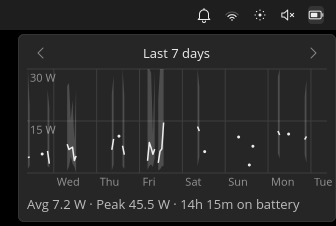
Keep battery drain low, and visible. On a laptop, every background process, wake-up, and service costs battery life. limDE starts only what the desktop needs: no display manager, no extra services, and none of the extras a package manager recommends. It also puts the numbers in front of you. The panel shows the battery’s live draw in watts and the hours left, and colours the battery icon as the draw climbs, so I can see how fast it’s draining and notice when the draw jumps. Hovering over it shows CPU and memory use. Click the battery for a graph of the draw over the last 3 hours, 24 hours, or 7 days: an average line over a band from lowest to highest, with gaps where the laptop was plugged in. Tinybar builds it from 5-minute summaries it keeps on the laptop for 7 days. The screen locks after 5 idle minutes, and a laptop on battery suspends after 8.
Trackpad motion and scrolling that feel like a MacBook. Slow, precise pointer movement that speeds up smoothly, and two-finger scrolling that follows your fingers. That needs custom acceleration curves in labwc, a feature I added upstream myself: my pull request, “input: support opt-in libinput custom acceleration”, was merged into labwc’s upstream master in September 2026. It lets a touchpad have separate curves for motion, scrolling, and everything else. It’s newer than any labwc release, and Ubuntu 26.04 packages an older labwc still, which is why limDE builds labwc from source. It ships the curves I tuned in my touchpad exploration, turned on for touchpads by default.
A trial run at leaving Windows.
limDE began as a trial of moving away from Windows. It became the minimal labwc setup I use every day on my own laptop. labwc is a small Wayland compositor, the software that draws and manages the windows.
limDE is that setup, generalized so anyone can install it, with my personal settings stripped out. It isn’t a distribution. There’s no ISO and no kernel of its own: you install Ubuntu Server 26.04, clone the repository, run ./install, and log in. Ubuntu still supplies the system and its security updates.
The “lim” is for less is more, an idea I’d had in mind for years. The project was first called elachisto, Greek for “minimum”. That was hard to remember, so it became limDE.
What’s in it.
- labwc, built from a pinned upstream commit that includes my custom acceleration work, with my tuned touchpad curves on by default.
- Tinybar, my own compact panel: open windows, Wi-Fi, volume, brightness, notifications, the clock, and the battery with its live draw in watts and a graph of the last 3 hours, 24 hours, or 7 days.
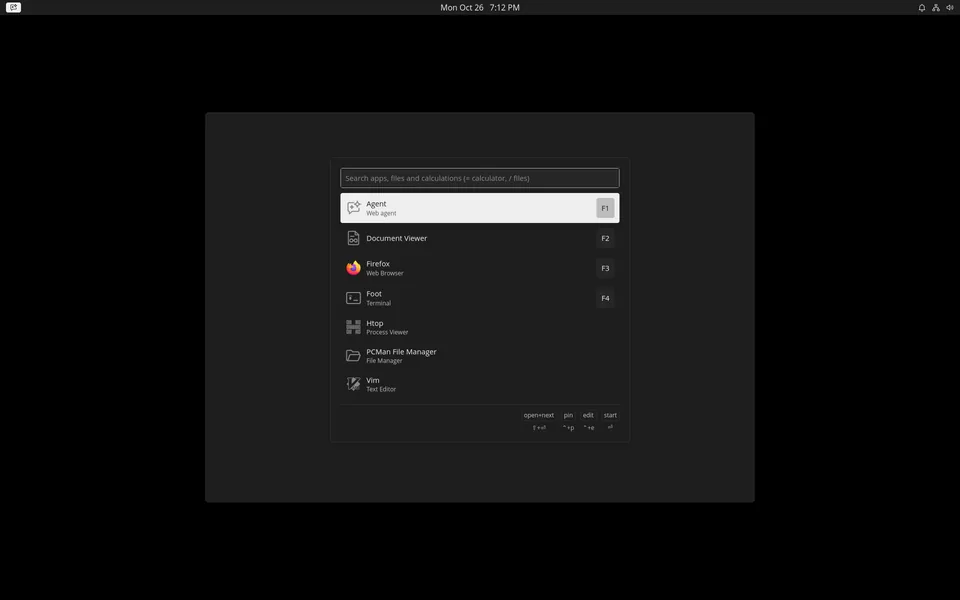
- Walker, a launcher for apps, files, and calculations, on Super+Space.
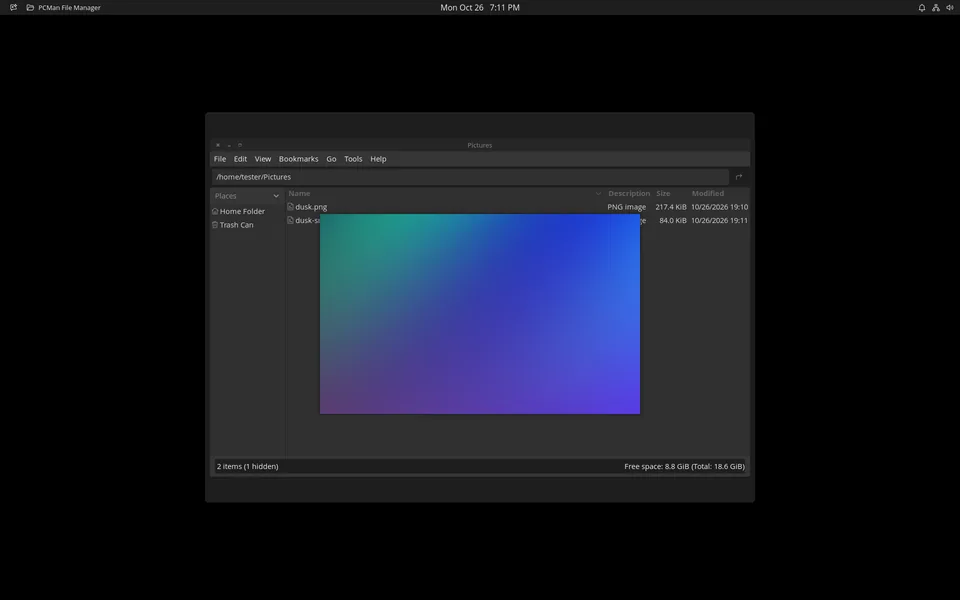
- PCManFM, with a Space-bar quick-look preview I added for images, text, PDFs, and folders. I’ve proposed the file manager’s side of it upstream (pull request #64, still open).
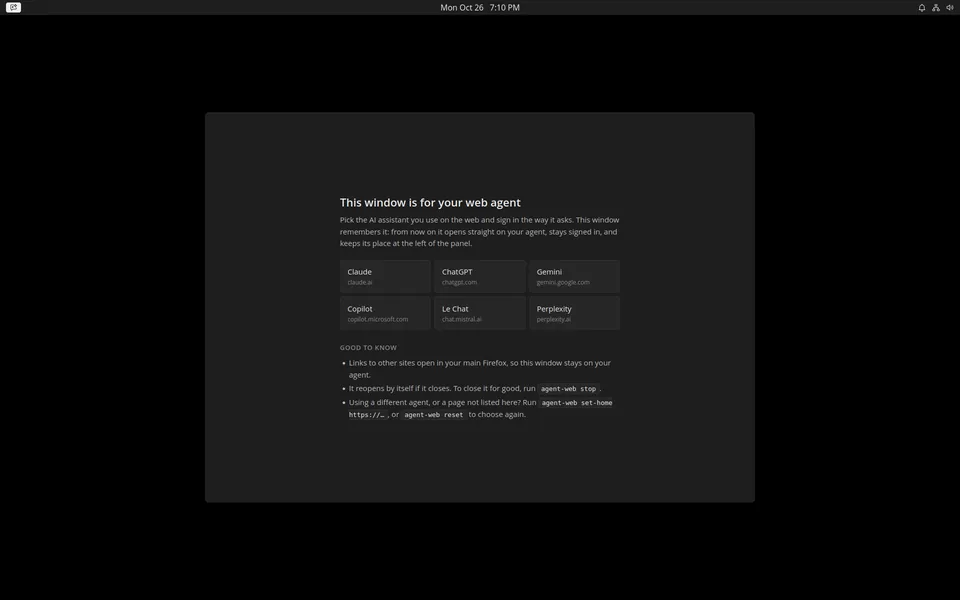
- agent-web, a persistent window for whichever web AI agent you use: Claude, ChatGPT, Gemini, or another. It learns the agent’s sign-in domains the first time, sends other links to your main Firefox, and reopens on the conversation you were last in.
- swaylock for the lock screen. I’ve also proposed an opt-in mode upstream that shows dots as you type, so you can tell your typing registered without revealing the password’s length (pull request #475, still open).
- One dark theme and my own hand-drawn set of line icons, applied across the apps, the panel, the launcher, and notifications.
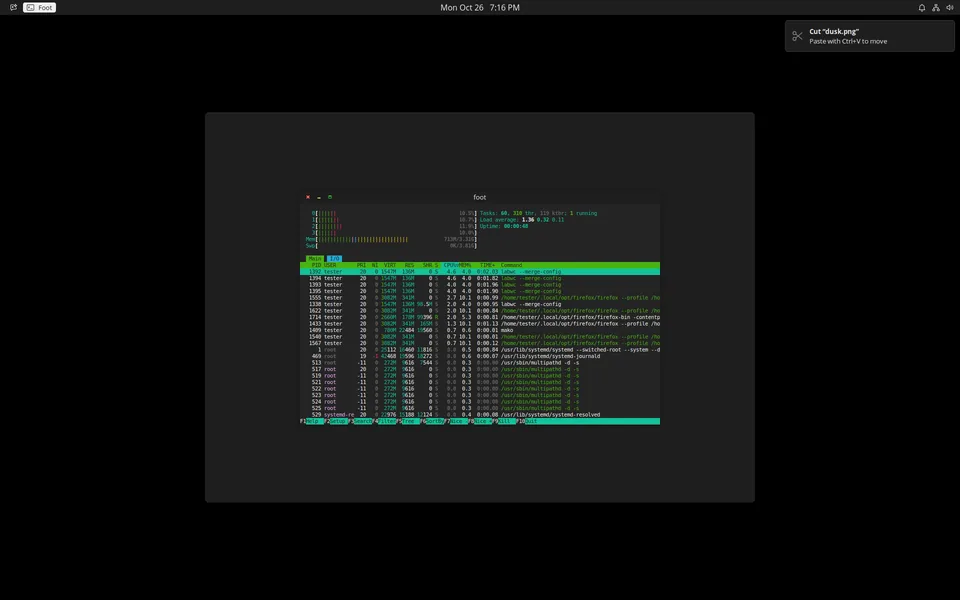
- Small helpers: Mac-style Super+W and Super+Q to close and quit, screenshot keys, and a notification when files are cut or copied.